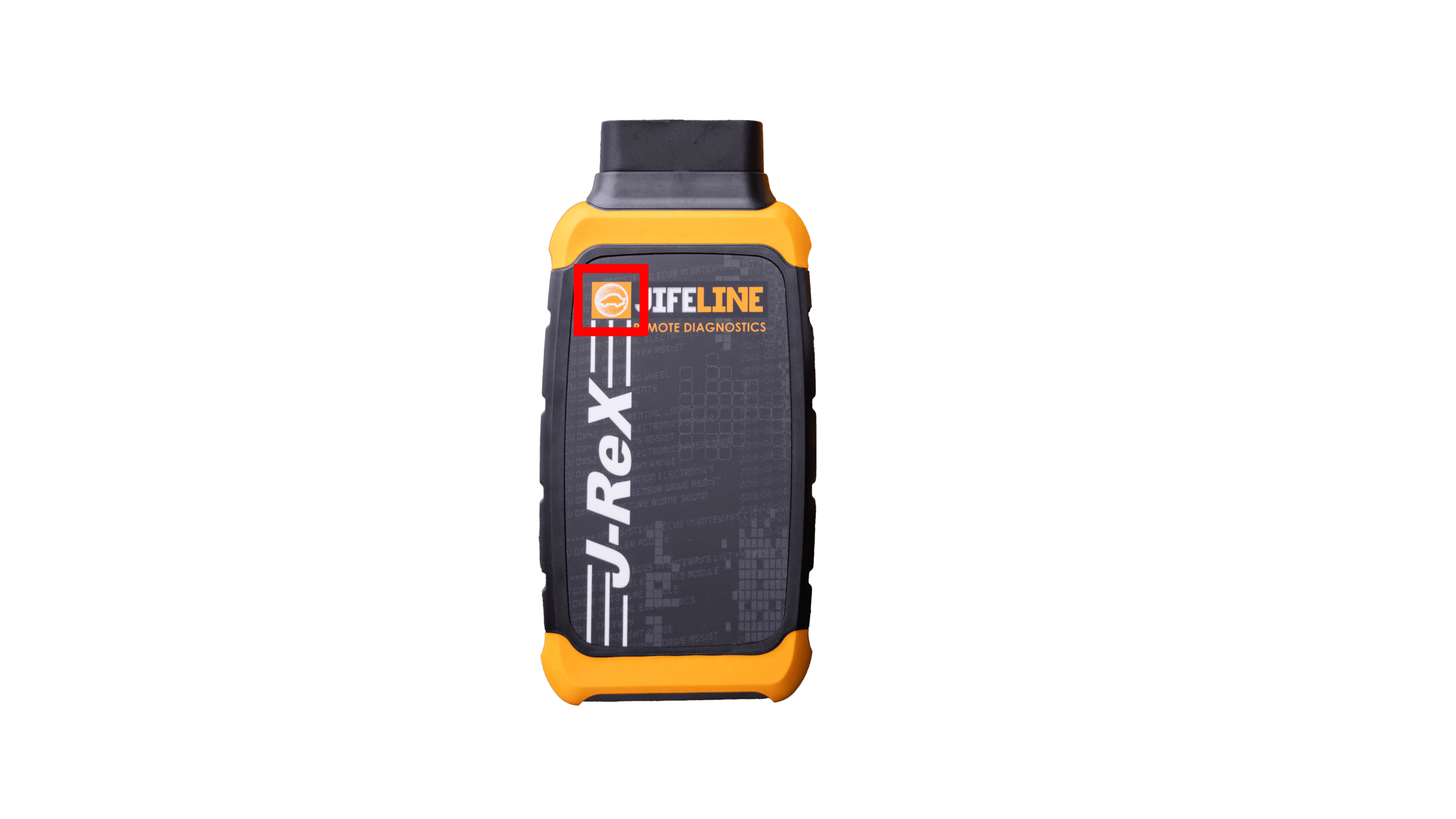
On top of the Remote, there are blinking LED lights that turn on as soon as the device receives power. These lights display different colors to indicate the current status:
LED Status Colors
- 🟢 Blinking green: powered on
- 🔵 Solid blue: updating
- 🟣 Solid purple: your ticket is in progress
- 🔴 Solid red: your ticket is canceled
- 🟢 Solid green: your ticket is completed
- 🟠 Blinking orange: action required
NOTE: When the "action required" status is active, the attention of the customer is needed. The LED will blink orange and the customer will hear a warning sound every 30 seconds until the required action has been completed.
The “action required” status is activated when an operator clicks the bell icon next to the customer’s name in the top right corner of the screen.
The customer can stop the sound by:
- 🟠 Responding in the chat
- 🟠 Pressing the back button on the Remote, see the image below: